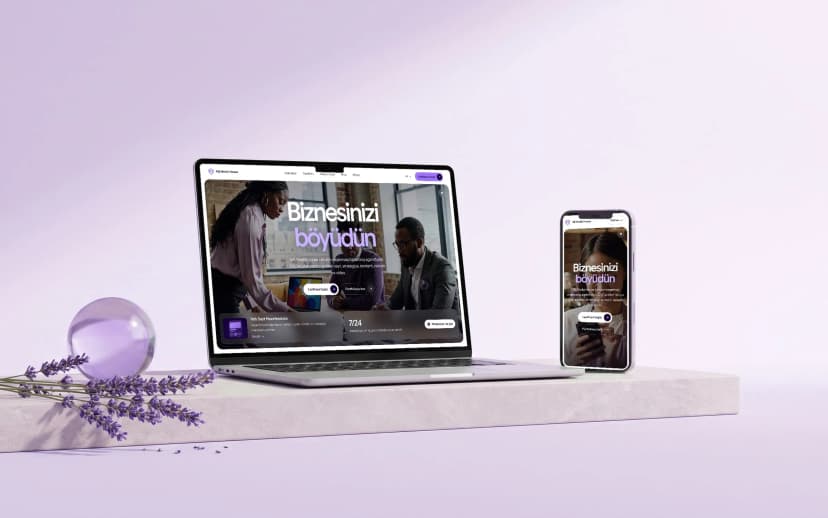
UI (User Interface) is the visual side of a website: colors, fonts, buttons, images and layout. UX (User Experience) is how a person works with that interface: how easy it is to find their way through the menu, how quickly they find what they need, whether the form gives them trouble.
Good UI/UX is about clarity more than beauty. When visitors understand what to do without thinking, they are more likely to get in touch; when they get lost, they leave. That is why UX decisions should be based on how real users behave, not on guesses.
A few well-known principles: Fitts's law (important buttons should be large and easy to reach), Hick's law (fewer choices lead to faster decisions), visual hierarchy (the most important call to action should catch the eye first) and consistency (colors, fonts and buttons follow one system across the whole site).
Why it matters
However good a site looks, if it is hard to use, visitors go to a competitor. UI/UX directly affects enquiries and sales.
How SaytPro helps
SaytPro starts design from the user's journey: who the visitor is, what they are looking for and which step leads them to get in touch. We then test that journey in a prototype and build the visual design on top of it. UI/UX design starts from 800 ₼.